


Managing Projects in Notion Turned Out to Be Pretty Handy
Contents

This post was automatically translated by AI from the Japanese original. Some screenshots are in Japanese.
How do you organize your work information?
“Work information” covers a lot of different things, such as:
- Information about clients
- Deadlines
- Workflow and task management
- Meeting notes
- Payment tracking
In my case, several projects are often running at the same time.
The work and the length of each project also differ.
Sometimes I look back a year or two and wonder how much I charged for this kind of work, or what tasks it involved.
But with a notebook, flipping back and forth across time is a hassle.
Recently I realized that Notion is much easier to use than I expected.

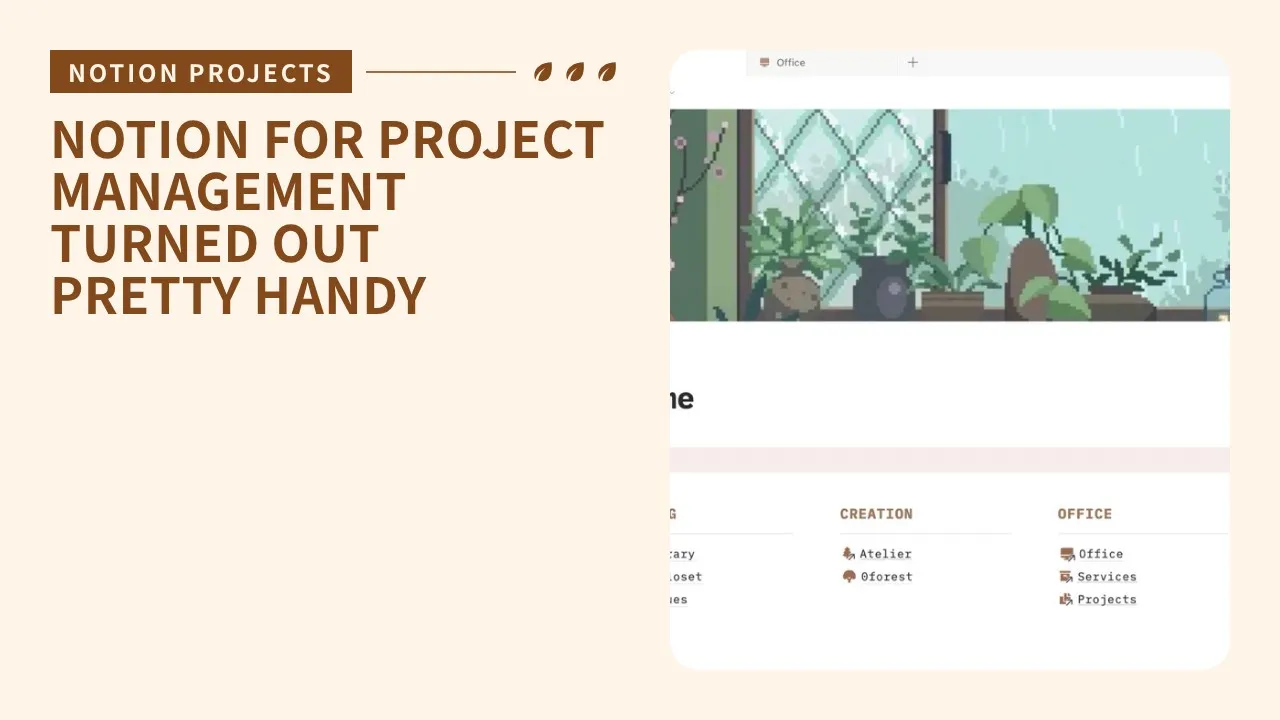
My Notion is sorted into folders, like the rooms of a house
How to use Notion as a project management notebook
Notion is an app that lets you keep notes, tasks, schedules and more organized in one place.
You can use it for free after signing up.
I use a database with these fields:
- Project name
- Order date
- Completion date
- Amount
- Type of work
- Notes

A sample project database (names and amounts are made up)
Project names that protect privacy

The prefix in brackets, like [SAA], is the key
The key point is that I don’t put any personal information, such as client names, in it at all.
Even if a Notion page happens to show up while I’m sharing my screen, nobody can tell what it’s about.
I also don’t expect it to happen, but this way nothing identifying could leak from Notion anyway. Just in case.
I make project names by combining initials with the type of work.
For example, for WordPress work for Taro Suzuki, it would be something like STW.
As long as you can understand it, it’s fine!
Write everything on the page so I can forget it

Each page holds all the information about the project
On each page I write things like:
- The request
- Meeting notes
- A link to Google Drive (where I keep materials and related files)
- A work log
- Notes
It depends on the kind of work, but I write it so that I could understand it even if I had amnesia.
I often look at something I wrote a few months ago and wonder, “What was I doing?"
"Why did I do this task?”
The past me is already a different person.
I don’t overestimate my memory. I record everything that might come up again later: what I talked about with the client, what work I did and in what steps, and why it was needed.
Another quietly important part is the notes.
I write down my impressions after doing the work.
If the actual work turned out harder than my estimate, for example, writing that down as a reflection makes it easier to apply next time.
(As a freelancer, I want to avoid taking on a job too lightly and regretting it later…!)
My personal favorite points
All kinds of information in one place

I like that in Notion you can paste images and links and put all kinds of information on a single page.
It’s convenient that you can lay things out so they’re easy to read.
Until now, I found it a hassle to go back and forth between files, opening PowerPoint for diagrams and a document app for text.
Lately I make materials I organize to explain to other people, like meeting materials, in Notion.
Easy to share quickly

Handy for sharing meeting notes
A page made in Notion can be shared with a link.
I send meeting notes and task plans after a meeting.
Viewing doesn’t require logging in, so it’s no burden for clients either.
It also reformats itself for phones and tablets, so I don’t have to worry about which device people use.
I can also check or add to things quickly from my phone when I’m out.
Easy to look back at past information
Thanks to the database, each project is listed in one catalog, so it’s easy to search by timeline or category.
You can filter by order date or type
I can search by client, or by type of work.
When I take on a new job, I can write my estimate while looking back at similar past projects, which is really handy.
That’s how I manage projects with Notion.
I hope it’s a useful reference for keeping your own work records!
▼ Notion works for managing the closet in my room, too


