


My First Game with Godot: Trying 2D Game Development
This post was automatically translated by AI from the Japanese original.
Maybe it’s left over from elementary school, when every summer vacation came with a project to make something on my own.
For some reason, I always get the urge to make something when summer comes around.
My long-held dream is to make a game.
I love pixel art, so I’d like to make a nostalgic-feeling 2D game.
📖 Playing Little Witch in the Woods in English: A Cozy Game for Learning English
I once tried Unity, a game development environment, but the process of building a game took so long that I gave up before finishing anything.
When I looked into it, it seems Unity is aimed at 3D, and there’s a tool called Godot for 2D (and it’s free!).
So I went ahead and downloaded it.
My First Game with Godot
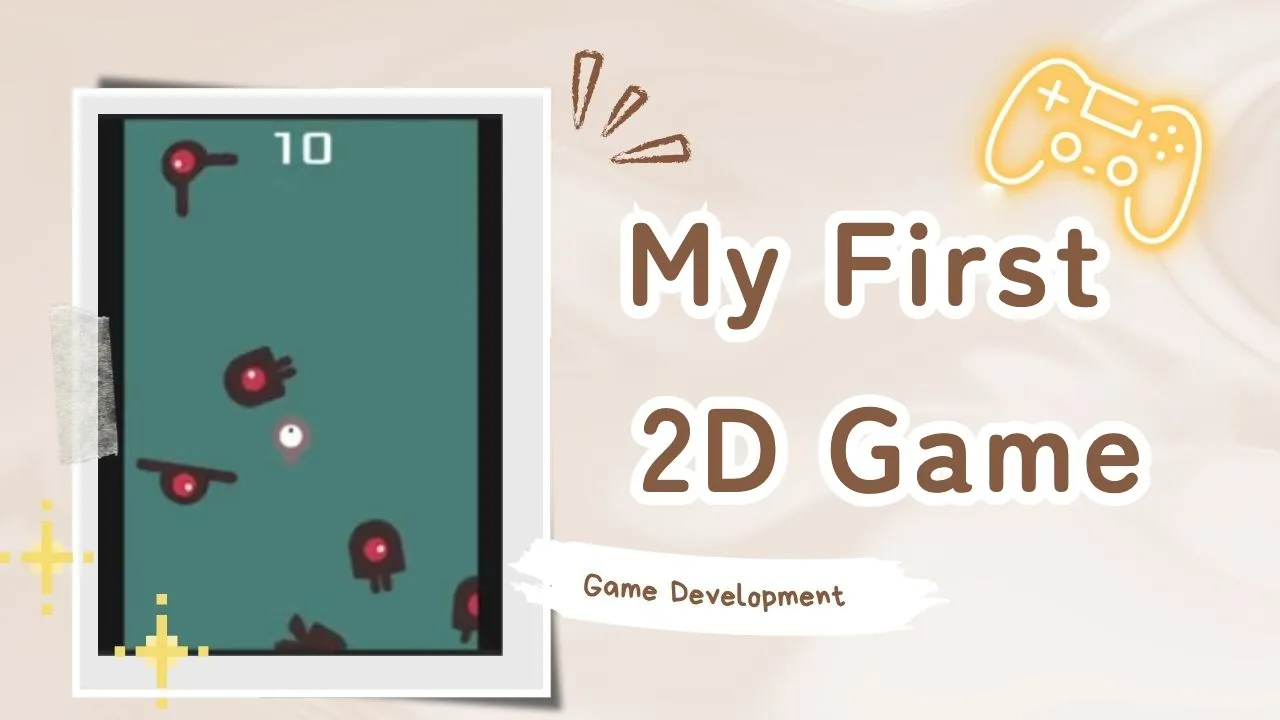
And this is what I made.
Following the tutorial, I got it done in about two hours.
You move around with the arrow keys and just dodge the enemies.
It’s simple, but it’s quite fun.
In the past, I’d spend way too much time stuck on things like “Where do I set this up to make this feature?” and “What method do I write?”, and I’d end up giving up. Now that I have AI, it looks like I can skip a lot of that searching.
Related post: I also made an app and put it on the App Store. → A Dream I’d Had for Years Came True in One Week
I also made a game you can play on this blog → Slack Off, Make, Learn: A Month of Running AI Hard
I’m going to keep playing around with it a bit more!


